OpenCms
knowledge base
Saving and publishing changes
1. Once you have made all necessary edits, save and close the page ( ) and preview the page by clicking its name in the Explorer Screen.
2. If necessary, make additional required edits by left-clicking the page icon and selecting Edit page from the drop down. Save and close () the page anew.
3. When you are ready to publish changes, press Publish (  ) in the Explorer menu at the top. A new window will appear showing all your recent changes:
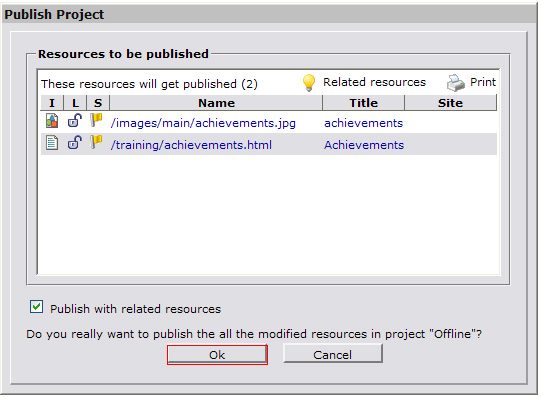 4. Press OK. The changes are now active. Preview them on the live site.